

Chrome Extension: Connect ChatGPT, Claude & Gemini Without Switching Hassles
Anyone who uses more than one AI chatbot knows the drill. You start a conversation in ChatGPT, get a decent answer, then wonder what Claude or Gemini would say about the same thing. So you copy the response, paste it into another tab, explain the context all over again, and hope the new chatbot actually understands what you were originally trying to do. It works, but it’s clunky, and it eats up more time than it should.

That daily annoyance is exactly what pushed one AI writer to look for a better system, and what he found was a Chrome extension called ThreadPort. Instead of manually copying text back and forth, this tool grabs the entire transcript of a conversation and moves it into a new chatbot session in one click. The receiving AI doesn’t just get a summary either. It reads the full back-and-forth, understands what was already discussed, and continues the conversation naturally instead of starting from zero.
Why Every Chatbot Has Its Own Strengths and Weaknesses
Here’s why that matters. Every major chatbot has its own personality and its own blind spots. ChatGPT tends to respond quickly and is genuinely useful for brainstorming, though it can occasionally make things up with total confidence. Claude handles longer documents well and tends to write in a way that feels more natural and less robotic, but free users hit its usage limits fairly fast. Gemini leans on live web results, so it’s often more current, and it plays nicely with Google’s other apps, but it can also stumble on more complicated prompts and isn’t immune to hallucinating either.
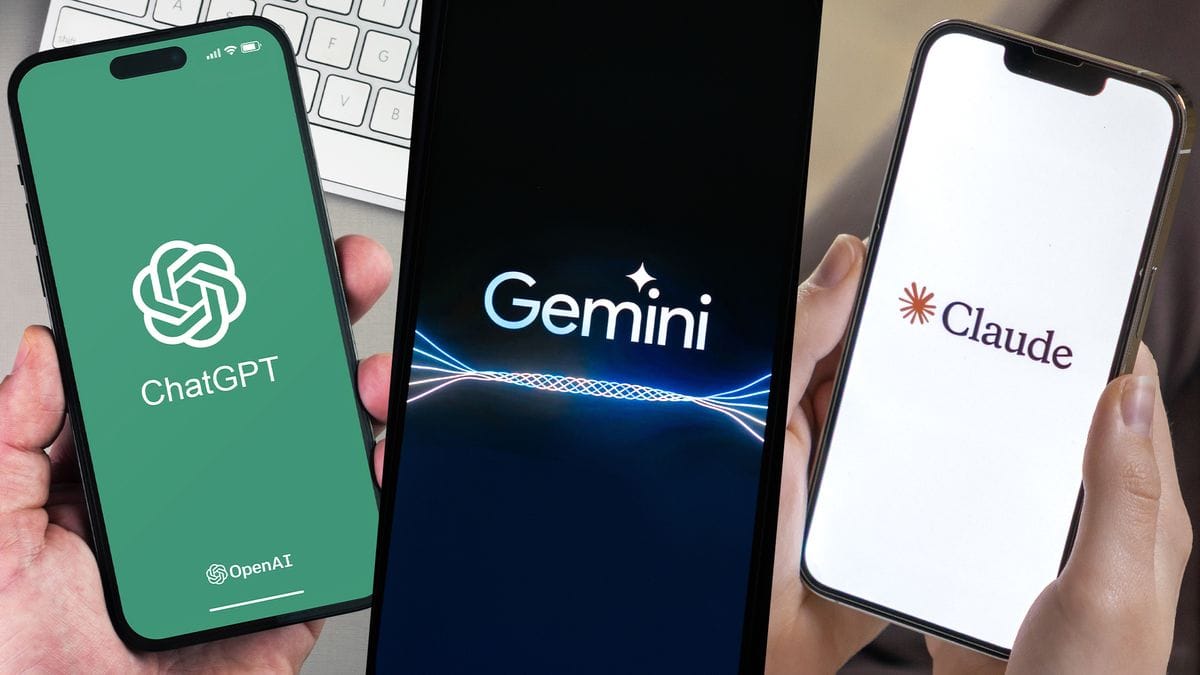
Instead of picking one chatbot and living with its weaknesses, the idea behind chaining conversations together is to let each tool do what it’s best at. Start with a fast first draft from one, hand it off for deeper analysis from another, then pass it along again for a reality check backed by current information. Used this way, three separate AI tools essentially work like one team, each one building on what came before.
Setting Up the Extension and Moving a Conversation
Setting up ThreadPort is simple enough. Once it’s added to Chrome, pinning the icon next to your browser toolbar makes it easy to access whenever you need it. From there, moving a conversation from one chatbot to the next takes only a couple of clicks. The extension automatically tells the receiving AI that it’s picking up a conversation that started elsewhere, feeds it the full transcript, and asks it to continue naturally rather than repeating what was already said.
Putting It to the Test
In a real test run, the process was used to research an upcoming trend in the gaming industry. ChatGPT was asked first for a broad rundown of major developments. That full exchange was then transferred into Claude, with a follow-up question about the more optimistic trends shaping the industry’s future. Claude picked up right where the conversation left off, without needing to be re-briefed. The combined thread was then moved into Gemini, which added a follow-up focused on the more challenging or negative shifts likely to affect developers and players in the next hardware cycle.
Privacy and What This Means for Everyday Users
The end result was a much fuller picture than any single chatbot could have produced on its own, without the usual hassle of manually re-explaining context every single time. On the privacy side, the extension’s developer has stated that transferred conversations aren’t stored on any servers, since none exist for this purpose, which should ease concerns for anyone hesitant about moving chat data between platforms.
For anyone who regularly bounces between AI tools for research, writing, or problem-solving, this kind of workflow is worth trying. It turns switching chatbots from a tedious chore into something closer to a natural conversation that simply continues across different tools. The only real wishlist item left is support for a few more platforms, so users aren’t limited to just these three chatbots when building out their research sessions.